Repc Frp Bypass Hot !!better!! -
Navigate to "Backup & Reset" and perform a "Factory Data Reset." This usually clears the FRP flag. 2. The TalkBack Exploit
This public link is valid for 7 days and shares a thread, including any personal information you added. This link or copies made by others cannot be deleted. If you share with third parties, their policies apply. Can’t copy the link right now. Try again later.
Remember: Stay safe, keep your Google credentials secure, and always remove your account before resetting your phone.
If you’ve completely lost access to that account (e.g., you no longer have the recovery email or phone number), you’ll need to use one of the other methods below. repc frp bypass hot
) typically focus on gaining access to the device settings or browser without a PC. Common techniques used in 2025/2026 include: Palmstore Method
The Factory Reset Protection (FRP) lock is a cornerstone of modern Android security. Introduced by Google, it ensures that if a device is lost or stolen, it remains unusable even after a hard reset unless the original owner’s credentials are provided. However, this security measure often becomes a hurdle for legitimate users—such as those who forget their login details or purchase second-hand devices. In this context, "REPC" (often referring to specialized technician tools or repair center methods) has emerged as a popular "hot" topic for bypassing these locks. The Mechanics of FRP and the Bypass Need
Once you regain access to your device, take a few minutes to prevent the same problem from happening again: Navigate to "Backup & Reset" and perform a
Navigate to the usage statistics page and use the "Back" arrow icon to force open the primary device application.
The device will display an notification instead of demanding the previous credentials.
Factory Reset Protection (FRP) is a security feature introduced by Google with Android 5.1 Lollipop and present on all newer versions. When you set up a Google account on your Android device, FRP links that account to the phone. If someone later factory‑resets the phone without first removing the Google account, FRP triggers and blocks access until the original account credentials are entered. This link or copies made by others cannot be deleted
Use the TalkBack or Emergency Call method outlined above to force open the Google Chrome browser on your locked device. Step 2: Navigate to an FRP Bypass Site
Let’s be clear: A "REPC FRP bypass hot" method is a recovery tool, not a hacking weapon. Legitimate uses include:
Utilizing tools like Odin for Samsung or specialized FRP unlockers that communicate with the device via ADB (Android Debug Bridge).
Safety Warning: Attempt these methods only on devices you legally own. Modifying device firmware can void warranties or brick your phone. Method 1: The Automated REPC One-Click Tools (PC Required)
Factory Reset Protection (FRP) is a security feature introduced by Google on Android devices running version 5.1 (Lollipop) and higher. Its primary purpose is to deter theft. If a device is factory reset via the recovery menu without the owner removing their Google account beforehand, the phone enters a locked state. Upon reboot, it demands the credentials of the previously synced Google account. Without this information, the device is essentially a brick.
 Dashboard
 My Orders
 Edit Address
 Account details
 Wishlist
 Offers
 Car Stereos
 Car Specific OEM Type Android Stereos
 Diamond 2K Android Stereos
 7″ Inch Android Stereos
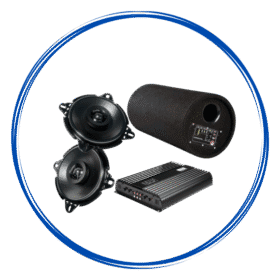 Car Audio
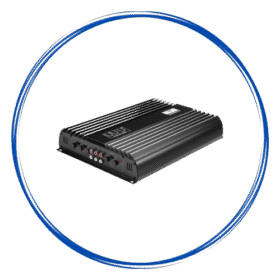 Amplifiers
 Speakers
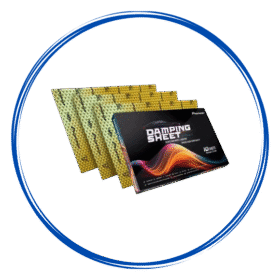 Damping Sheets
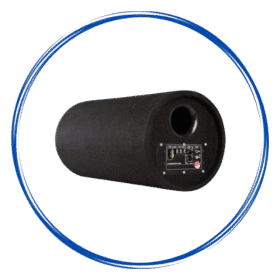 Subwoofer & Basstube
 Cables & Harness
 Canbus & Harness
 Camera Activator
 Oem Usb Activator
 Oem Mic Activator
 Radio Antena Cable
 Power Coupler
 Car Camera & Security
 360 Cameras
 Dash Camera
 Reverse Cameras
 Car Lighting
 Fog Lamp
 Car Ambient Light
 Frames & Brackets
 Stereo Frames
 Projector Foglamp Brackets
 Car Utility
 Car Charger
 Tyre Inflator
 Car Mobile Holder
 Car Screen Guard
 Car Key Covers